
Skip to content
qikfox

Products

Four products, four different jobs

Internet safety is not one problem, so qikfox is not one product. Each of the four covers a distinct part of what happens between a search and a file on your device - and each one is useful on its own.

The family

What each product does

Start with the product that matches your concern. You can add the others later.

01AI-first Web Search

qikfox Search

Search the Internet with safety built in.

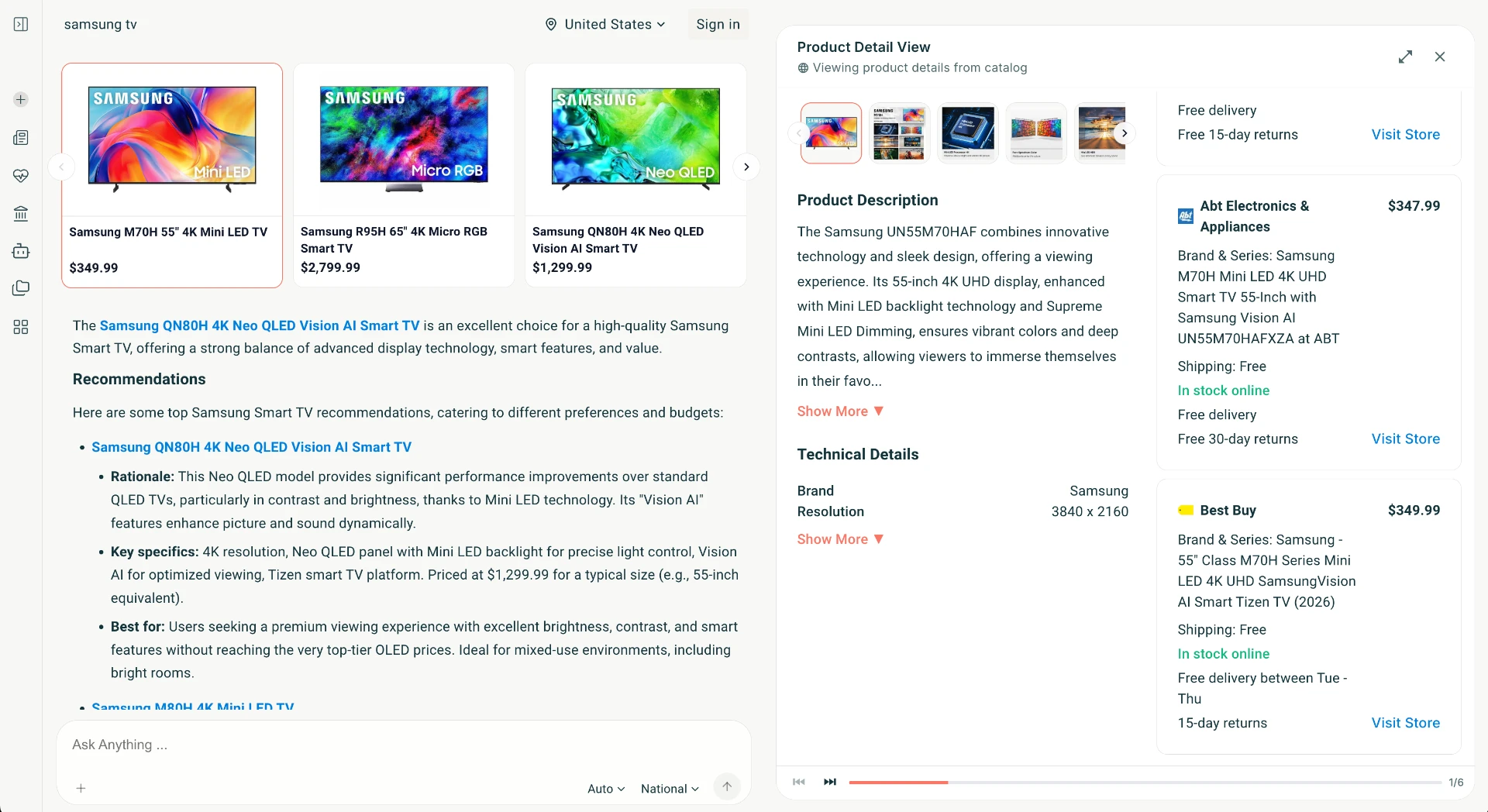
qikfox Search is a web search experience designed so that safety checks happen as part of finding information, not after you have already clicked.
What it covers

  • Better relevance with AI-enabled Web Search
  • Filters unsafe Brands and Rogue SEO optimized results
  • Filters annoying Ads and Malvertisements
  • Follow the customer journey with an AI agent primed to keep you safe
  • Designed to work alongside qikfox Safe Browser
Available on
Web
02WebBrowser

qikfox Safe Browser

Browse with protection working around you.

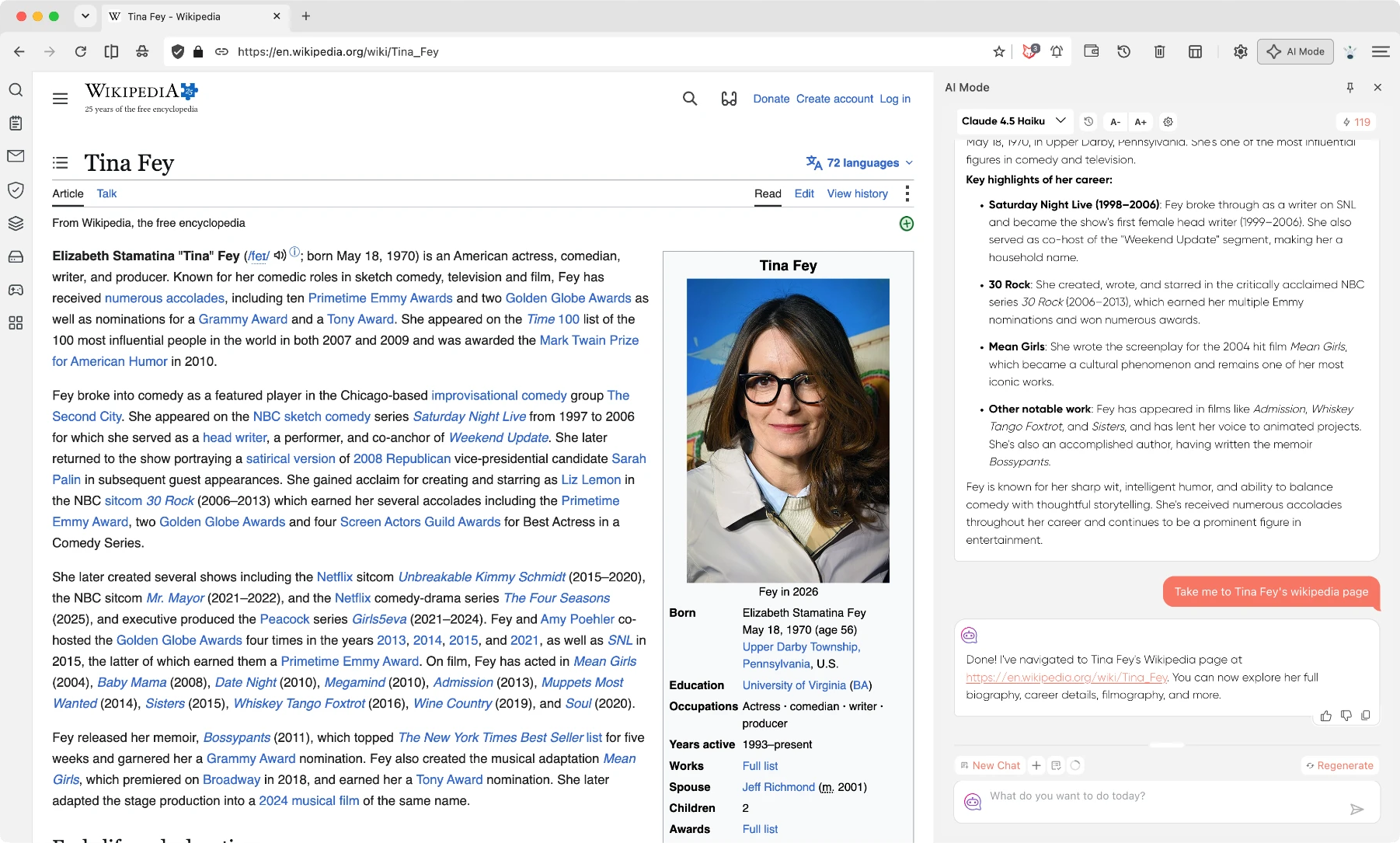
qikfox Safe Browser is an AI-first desktop and mobile browser designed to make the internet safer, smarter, and easier to navigate. It brings AI into the everyday browsing experience while serving as the foundation that connects the broader qikfox family of safety, security, privacy, and productivity products.

What it covers

  • Avoid a vendor lock-in, bring your own LLM or use the built in AI with qikfox AI Assistant
  • All requests are scrubbed for privacy by the browser giving you unparalleled privacy from AI operators
  • AI Assisted Web Browsing keeps you safe while browsing
  • Comes with numerous productivity apps like Antivirus, Notes, Stacks
  • Active link and promptware protection
Available on
Windows · macOS · Linux · Android · iOS
03Endpoint Protection

qikfox Antivirus

Protect your device from malicious files and software.

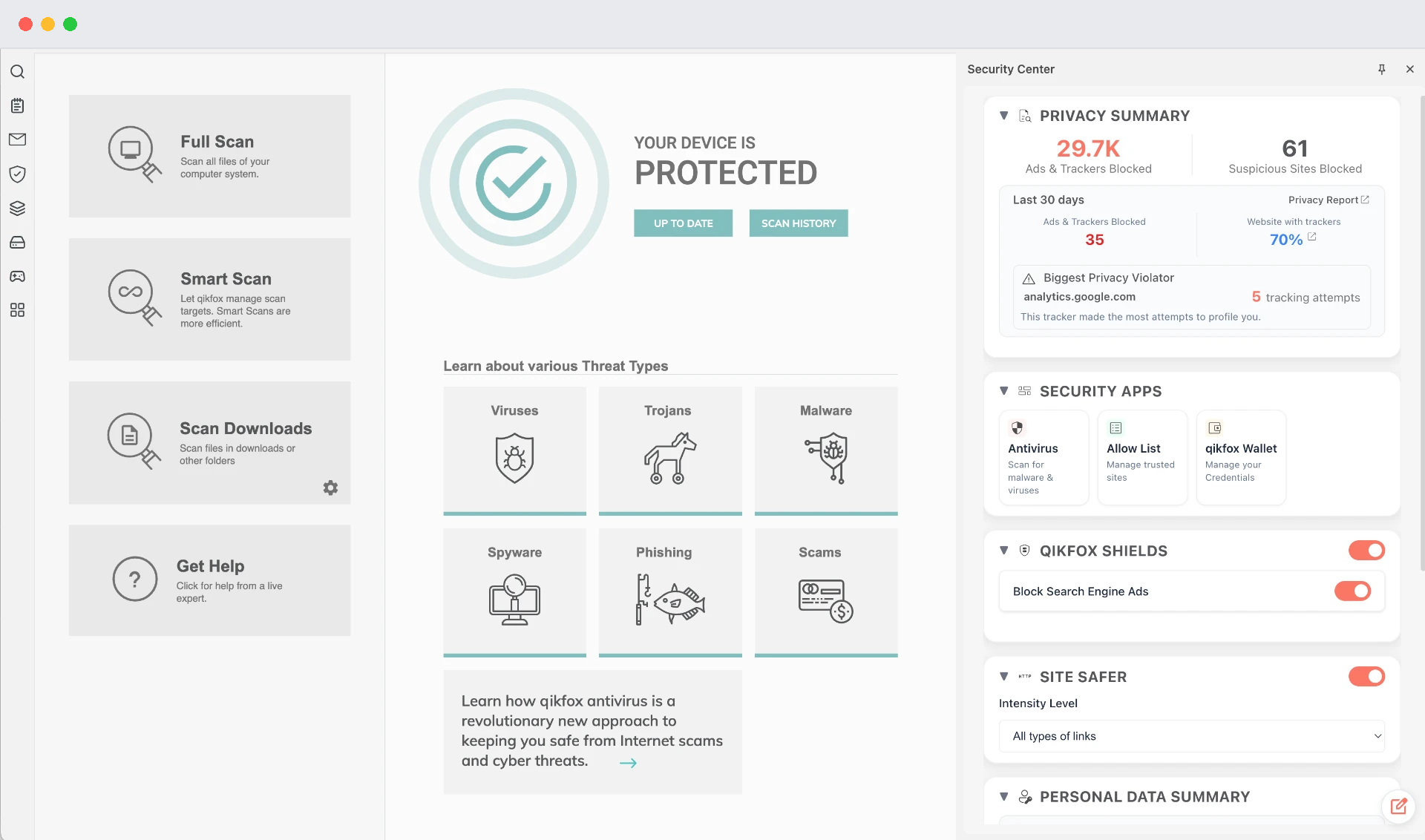
qikfox Antivirus comes in two flavors, a standalone Windows App and embedded in qikfox Web Browser; in both versions it safeguards the entire system, not just the web downloads.

What it covers

  • Proprietary TRACE framework protects users from Online Threats
  • Active and Smart Scans for the entire system
  • Protection that continues with browser closed
  • Active scans and threat remediation from downloads
  • Bundled Managed Service Support
Available on
Windows · macOS · Android
04Privacy Protection

qikfox VPN

Protect your Internet connection and IP address.

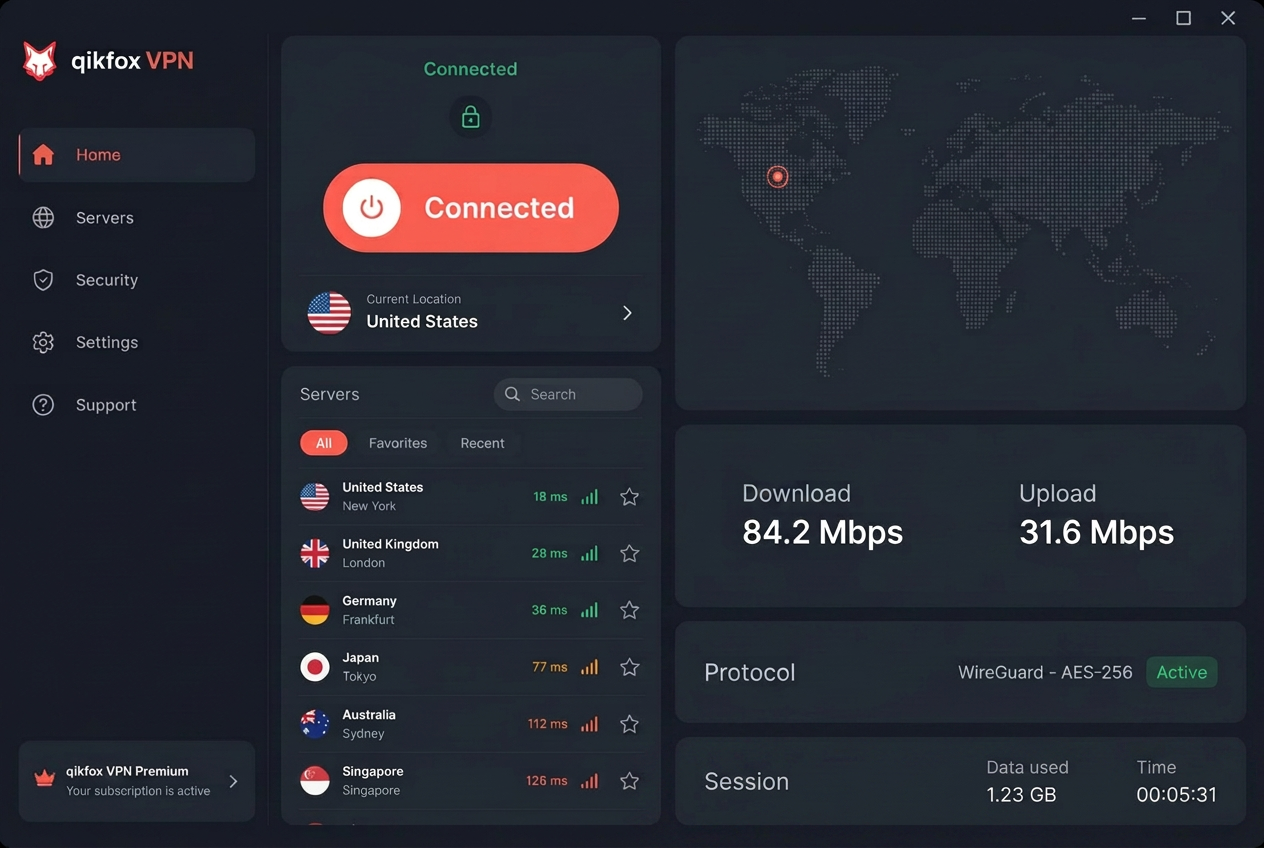
qikfox VPN encrypts the connection between your device and the Internet, which matters most on networks you do not control - hotels, airports, cafés and shared offices.

What it covers

  • 256-bit AES Encryption: military-grade encryption secures your data and traffic from hackers, ISPs and third parties
  • Zero-Activity Logs Policy: no traffic data, DNS queries or identifiable footprints are ever logged
  • IP Masking & Anonymity: conceals your real IP address to prevent tracking, ad targeting and profiling
  • Public Wi-Fi Protection: safeguards personal information and sessions on unsecured hotspots
  • Unlimited Bandwidth: uncapped data with no ISP throttling or artificial caps
Available on
Windows · macOS · Android · iOS

Coverage at a glance

This table compares qikfox products with each other. We do not publish comparisons against other companies' products using data we have not produced.

Coverage by qikfox product. Source: qikfox product documentation.
CapabilitySearchSafe BrowserAntivirusVPN
Before you click a resultYesNoNoNo
Web pages you openNoYesNoNo
Files you downloadNoHanded for reviewYesNo
Applications on the deviceNoNoYesNo
Traffic outside the browserNoNoNoYes
Your IP addressNoNoNoReplaced
Needs installingNoYesYesYes

Choosing

Which one should you start with?

Most people begin with qikfox Safe Browser, because the browser is where the majority of risky decisions get made. From there, Antivirus covers what the browser cannot see, and VPN covers the network the browser sits on.

If you are not sure, the safety overview describes the problems each product was built for.

A short guide

  • You want safer everyday browsing

    Start with qikfox Safe Browser

  • You worry about files and installs

    Start with qikfox Antivirus

  • You use public Wi-Fi often

    Start with qikfox VPN

  • You want context before clicking

    Start with qikfox Search

How to choose between four products

Start with qikfox Safe Browser, because the browser is where most risky decisions are made. Add qikfox Antivirus if you download and install software on a computer. Add qikfox VPN if you use networks you do not control or would rather not have your destinations observed. qikfox Search complements all three by moving safety context before the click.

Four layers, four different observers

The products are divided by what each one can see. Search sees a destination before you visit it. The browser sees pages as they load. Antivirus sees files on the device. VPN sees the path between the device and the Internet. No single layer can do another's job, which is why security marketing that promises everything from one product tends to describe the least specific one.

Each product is useful alone. Together, the handovers matter: a flagged download is reviewed by the scanner, and a warning in the browser is consistent with the context that appeared in search.

A sensible order of adoption

If you install one thing, install the browser. If you install two, add the scanner on any machine where you install software. Add the VPN when your circumstances involve networks you do not control - travel, shared offices, hotels, cafés.

There is no bundle you must buy to be protected by the parts you have, and each product page states its platforms and its limits so the choice can be made without reading between the lines.

What none of them cover

None of these products can stop a person from being persuaded. Deception operates on attention and urgency, not on software, which is why our guides teach verification habits alongside the product pages: sign in only through links you chose, install only from vendors' own sites, and treat a deadline in a message as a reason to slow down.

Frequently asked questions

No. Each product works on its own. They overlap deliberately little, so adding one extends coverage rather than duplicating it.

Related qikfox pages

Pick a product and get started

Downloads are free to begin, on every platform we support.